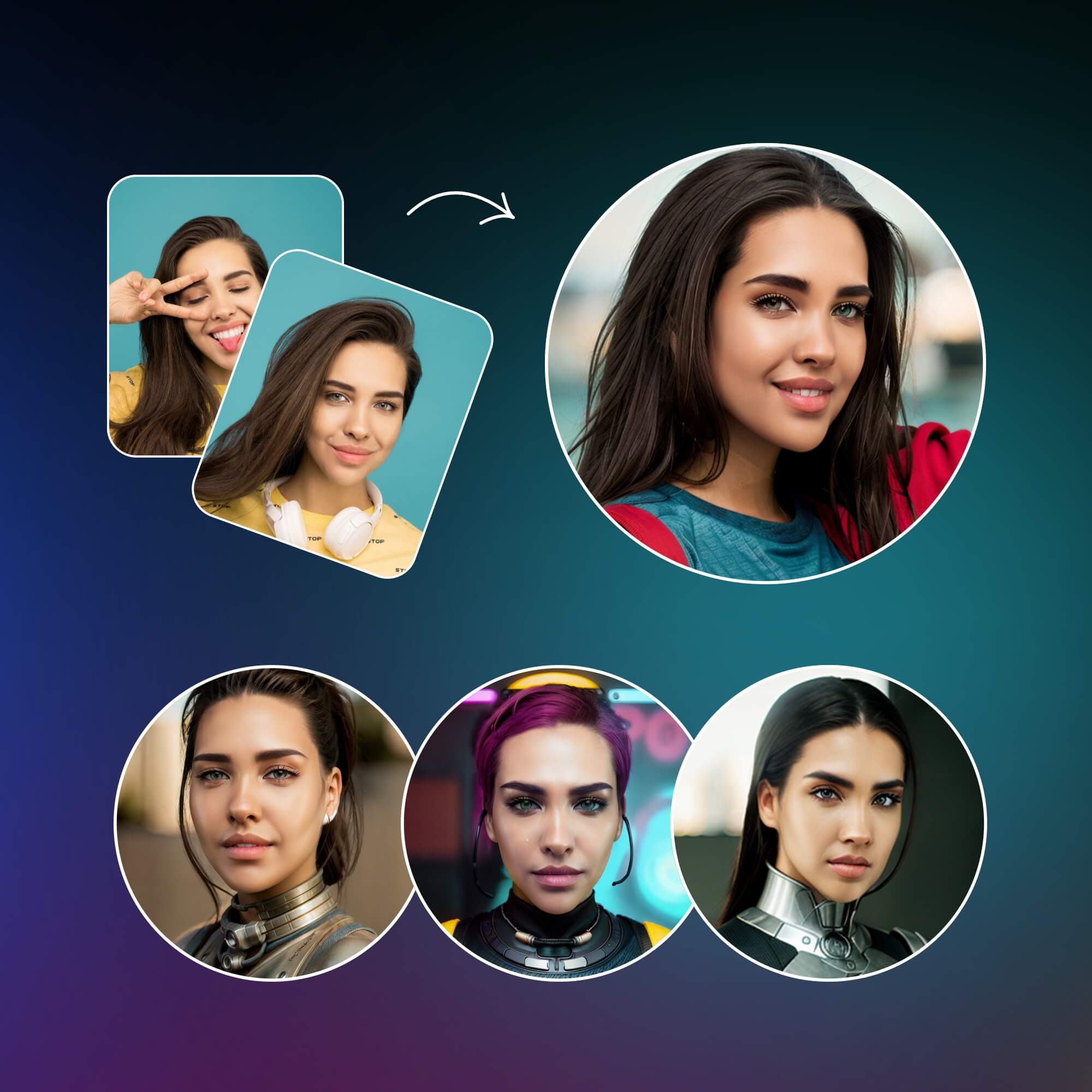
How AI Avatars Fit Into Stranger Chat Profiles
An AI-generated profile picture can give you a recognizable visual identity without requiring you to publish a real photograph. That can be useful on stranger-chat, gaming, community, and discussion platforms where people often decide whether to interact with a profile from a very small image.
The strongest AI avatars for stranger chat profiles are not necessarily the most photorealistic. A clear silhouette, strong contrast, distinctive color palette, and simple visual motif can be easier to recognize than a highly detailed image.
This guide focuses on practical prompt writing, profile-picture composition, privacy considerations, and repeatable workflows. The goal is to create an attractive fictional identity while avoiding unnecessary exposure of your real-world identity.
Why AI Avatars Are Useful for Stranger Chat
Stranger-chat profiles are often viewed by people you have never met. Using a fictional or stylized image gives you an alternative to publishing a personal photograph while still making the profile visually distinctive.
- Recognizable identity: a consistent character can become your visual signature.
- Creative freedom: use anime, 3D, gaming, fantasy, cartoon, or abstract styles.
- Reduced facial exposure: a fictional avatar does not directly reveal your real appearance.
- Cross-platform consistency: the same design language can work across communities where permitted.
- Easy experimentation: prompts let you test several concepts before selecting one.
Think of an avatar as a visual identity, not a security tool
An avatar can hide your real face while your username, bio, links, background details, voice, location references, or repeated personal information can still reveal who you are.
Privacy Benefits and Limitations
Privacy-friendly profile pictures are useful when you want a public-facing visual identity without uploading a personal photograph. However, the image generator itself becomes part of the privacy equation. Before using an AI image service, review its current privacy policy, retention practices, account settings, and data-handling terms.
Do
- Use fictional characters and generic backgrounds.
- Remove unnecessary metadata where appropriate.
- Avoid real names, addresses, school and workplace details.
- Review every generated image before publishing it.
- Choose an image service with privacy practices you understand.
Don't
- Upload private documents or sensitive photographs unnecessarily.
- Put passwords, contact details, or private information into prompts.
- Use another person's face without permission.
- Create an avatar intended to impersonate a real person.
- Assume an AI avatar guarantees anonymity.
Important limitation
AI avatars can reduce exposure of your real appearance, but they cannot guarantee complete anonymity. Treat your entire profile—not just the picture—as part of your privacy surface.
Choosing the Right Avatar Style
Start with the context in which the avatar will appear. A detailed cinematic portrait can look impressive on a large screen, but a minimalist or high-contrast character may perform better when the profile image is displayed at 40–80 pixels.
| Style | Best For | Visual Characteristics | Privacy Consideration |
|---|---|---|---|
| Anime | Communities and casual chat | Expressive eyes, clean outlines, bold colors | Fictionalized appearance can reduce real-face exposure |
| 3D Toy | Friendly profiles and gaming | Rounded forms, polished materials | Easy to keep fully fictional |
| Cyberpunk | Tech and gaming | Neon light, dark backgrounds, futuristic details | Avoid real locations or personal symbols |
| Minimalist | Small profile pictures | Simple shapes, limited colors, strong silhouette | Usually requires little personal context |
| Gaming | Gaming communities | Armor, controllers, dramatic lighting | Use fictional branding |
| Fantasy | Creative communities | Mythical characters and magical environments | Fully fictional concepts are easy to separate from identity |
| Cartoon | Friendly profiles | Simple proportions and expressive poses | Strong separation from a real photograph |
| Cinematic | Storytelling | Controlled lighting and dramatic framing | Avoid impersonating real people |
Master AI Avatar Prompt Formula
A good AI avatar prompt gives the image model a clear visual brief. Instead of saying “make me a cool avatar,” define the subject, composition, lighting, colors, mood, and output requirements.
Complete Example
Fictional futuristic character avatar for a square stranger-chat profile, confident friendly expression, short stylized silver hair, dark jacket with cyan accents, cyberpunk illustration style, clean high-contrast silhouette, soft violet rim lighting, dark abstract gradient background, centered head-and-shoulders composition, crisp details, approachable mood, no text, no watermark, no real-person resemblance, 1:1 composition.
10 Ready-to-Use AI Avatar Prompts
Create a fictional cyberpunk profile avatar for a stranger-chat community, centered head-and-shoulders character, neon cyan and violet rim lighting, dark abstract background, confident expression, crisp silhouette, subtle futuristic accessories, high contrast, square composition, no text, no watermark, no real-person resemblance.
Create a fictional anime avatar designed for a small square chat profile, expressive but natural face, midnight-blue jacket, cyan accent details, clean line art, simple gradient background, strong silhouette, polished digital illustration, centered composition, no text or watermark.
Create a cute fictional 3D collectible toy character for a chat profile, rounded proportions, friendly expression, matte dark clothing with purple accents, soft studio lighting, simple blue-gray backdrop, polished plastic materials, centered head-and-shoulders framing, square crop, no brand logos.
Create a fictional technology-themed avatar, stylized hooded character, abstract circuit patterns, blue and violet lighting, dark background, face intentionally non-photorealistic, strong geometric silhouette, subtle futuristic interface shapes, centered square profile composition, no real-person likeness, no readable text.
Create a minimalist fictional avatar using charcoal, white, and electric cyan, simple geometric character silhouette, clean circular framing, high contrast, no facial realism, no background clutter, crisp vector-inspired finish, designed to remain recognizable at tiny profile-picture sizes.
Create a fictional gaming avatar with a stylized futuristic headset and jacket, energetic expression, electric blue and violet palette, dark background, strong rim light, bold silhouette, polished digital artwork, centered composition, square profile-picture framing, no real game logos or text.
Create a fictional fantasy character avatar, mysterious traveler with a glowing blue emblem, dark cloak, subtle magical particles, cinematic violet and cyan lighting, clean face design, simple dark background, centered shoulders-up composition, high contrast, square crop, no real-world symbols.
Create a fictional cinematic character portrait for a chat profile, three-quarter head-and-shoulders framing, dramatic soft key light and cool rim light, muted navy and violet palette, clean abstract background, realistic materials but fictional identity, square composition, no text.
Create a fictional neon street character avatar, stylized illustration rather than a photograph, dark jacket, cyan and magenta abstract signs, rain-like atmosphere, centered subject, high contrast, clean silhouette, small-profile readability, no real street names, logos, or recognizable people.
Create a cute fictional illustrated avatar for a friendly random-chat profile, rounded face, expressive eyes, oversized hoodie, warm cyan and lavender palette, simple gradient background, clean digital illustration, centered square framing, recognizable silhouette, no text, no watermark, no real-person resemblance.
Discord, OmeTV-Style and Stranger Chat Profile Ideas
Different communities favor different visual languages. Discord profiles often benefit from bold characters that remain recognizable in a circular or small square crop. On OmeTV-style video-chat or other random-chat communities, a simple fictional identity can provide a visual introduction without publishing a personal photograph.
The same principles work for Omegle alternatives, gaming communities, and anonymous discussion groups: use a clear silhouette, distinctive colors, and one or two memorable visual motifs. Do not imply that an avatar represents a particular platform or that a platform endorses a specific design.
- Keep the main subject near the center.
- Use strong contrast between character and background.
- Limit tiny details that disappear when the image is reduced.
- Choose a recurring accent color for consistency.
- Avoid logos, real addresses, school names, workplace identifiers, or location clues.
How to Create an AI Avatar: A Practical Workflow
- Decide the identity concept. Choose a fictional character, mascot, creature, or abstract identity.
- Select an art direction. Pick one dominant style before writing the prompt.
- Write the prompt. Define subject, pose, lighting, colors, composition, and negative constraints.
- Generate variations. Compare several compositions rather than accepting the first result.
- Select the strongest image. Prioritize clarity, privacy, and small-size readability.
- Crop for profile dimensions. Test square and circular display.
- Check privacy. Remove identifying clues and review the image.
- Optimize the final image. Resize and compress it for the destination.
- Test at small size. Confirm silhouette and color motif remain clear.
- Use it consistently. Match banners and other assets where appropriate.
How to Create Consistent Avatar Sets
A visual identity does not require revealing your real identity. You can make a fictional character recognizable by repeating the same visual rules across profile pictures, banners, thumbnails, and community artwork.
- Color palette: keep two or three primary accent colors.
- Accessories: repeat a fictional headset, jacket detail, glasses, badge, or mascot feature.
- Lighting: use similar rim lighting or contrast levels.
- Art style: avoid switching styles without a reason.
- Background motif: repeat abstract shapes, gradients, or fictional symbols.
- Avatar + banner: reuse the same palette and motifs.

For a toy-like visual direction, 3D Figurine & Toy Aesthetic Prompts can provide additional creative starting points.
AI-Generated Banners and Social Graphics
Avatar design can extend into profile banners, community logos, thumbnails, social graphics, video intros, and channel branding. Keep the same palette and recurring motif so assets look related without exposing personal information.
For community identity, Logo Design AI Prompts can help explore fictional branding concepts. For a personal or community landing page, Website Design Prompts can help translate the same visual direction into a web interface.
If your avatar becomes part of video content, AI Prompts for Video Editing can help plan visual edits, while AI Documentary Prompts can support documentary-style fictional storytelling. For broader image generation, Midjourney AI Prompts offers another prompt-focused resource.
Weak Prompt vs. Improved Prompt
Weak
Make me a cool avatar.
Improved
Create a fictional futuristic character avatar designed for a square chat profile picture, neon blue and violet lighting, clean dark background, expressive but non-photorealistic face, high-contrast silhouette, centered composition, crisp details, no text, no watermark, no real-person resemblance.
The second prompt gives the image generator a subject, visual direction, composition, palette, privacy constraint, and output requirement. More instructions are not always better; the useful goal is to remove ambiguity while avoiding conflicting demands.
For permitted editing of your own images, see AI Prompts for Photo Editing.
Common AI Avatar Mistakes and Practical Fixes
Specify subject, style, composition, colors, and intended profile size.
Choose one dominant art direction.
Use a simple background so the silhouette remains clear.
Prioritize large shapes and readable expression.
Avoid important words inside generated images.
Separate subject from background with lighting and color.
Reuse palette, accessories, lighting, and character description.
Remove names, addresses, school/work references, and location clues.
Do not upload private photographs or documents unnecessarily.
Remember profile text, links, usernames, and behavior can identify you.
Use fictional concepts instead of another person's face.
Preview the avatar at small dimensions before publishing.
Advanced AI Avatar Prompt Techniques
- Subject locking: describe recurring physical and clothing features.
- Composition control: specify centered framing, crop, and negative space.
- Lighting control: name the key light, rim light, softness, and contrast.
- Color control: give a small palette.
- Camera framing: state close-up, portrait, medium shot, or square profile framing.
- Negative prompts: exclude text, watermarks, unwanted faces, logos, and artifacts.
- Aspect ratio: use square output for most profile pictures.
- Reference images: only use images you have permission to use and understand the service's handling.
- Iterative prompting: change one major variable at a time.
- Variation testing: compare silhouette, contrast, and small-size readability.
- Consistency prompts: repeat palette, accessories, lighting, and character description.
Recommended AI Prompt Resources
The same visual language can extend beyond profile pictures. Use creative prompt resources selectively and adapt them to your own privacy and design requirements.
Frequently Asked Questions
Final Takeaway
Creating a strong AI avatar is less about finding a single magic prompt and more about controlling the visual decisions that matter: subject, style, silhouette, lighting, palette, composition, and privacy.
Start with a fictional concept, generate several variations, test the image at small profile-picture sizes, and remove details that could reveal personal information. If you build a matching banner or other creative assets, reuse the same visual language so the profile feels intentional without exposing your real-world identity.
Build a memorable profile without oversharing
Experiment with fictional avatar concepts, review the privacy settings of the AI service you use, avoid impersonation, and choose a design that remains recognizable when displayed small.